
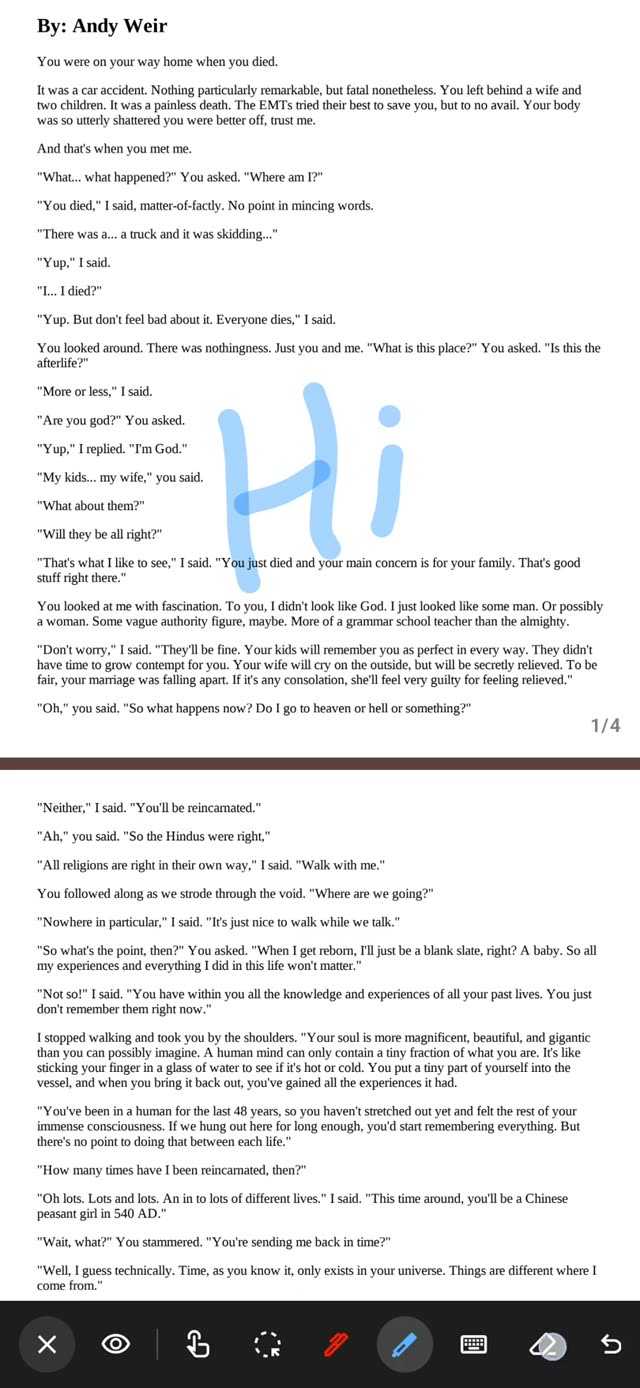
PDF tools
Ink, highlight, annotate
Pen, highlighter, eraser and text annotations on PDF pages. Multi-tab reading, reflow, and auto-scroll for documents that do not paginate.
An offline-first reader for documents, e-books and comics. Files are opened where they already are, on the device, without an account.
Latest release v1.0.58-oss · 9 Oct 2026
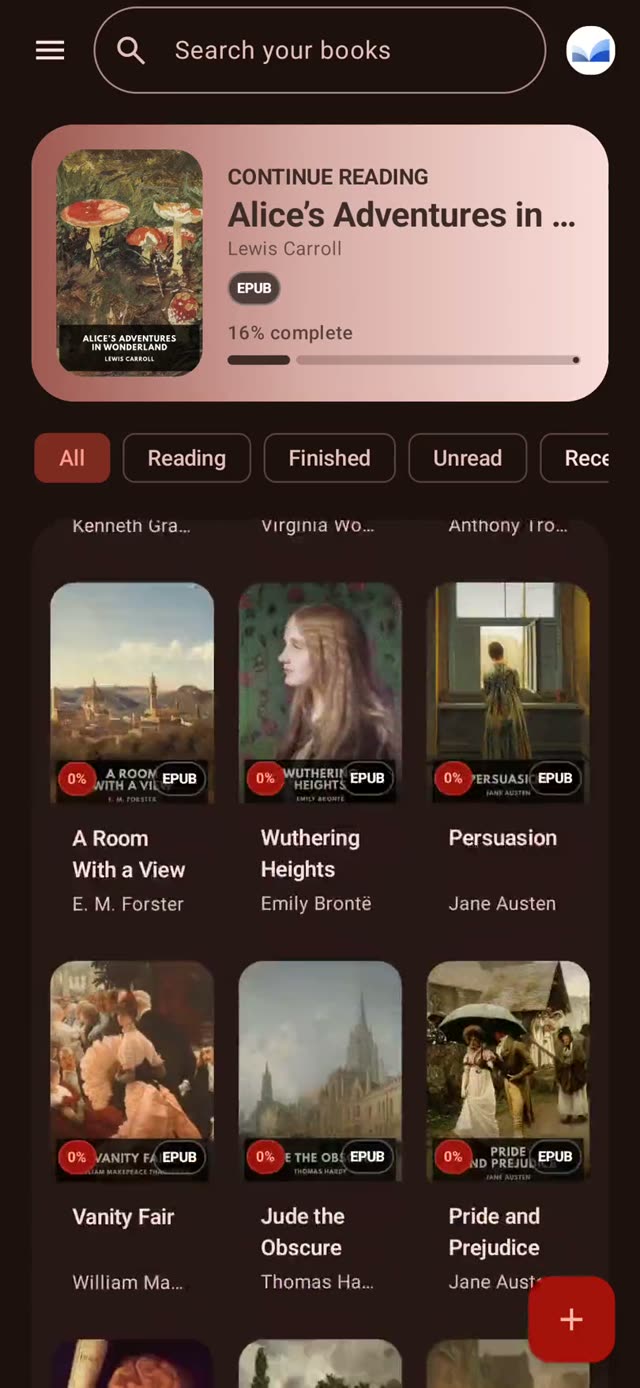
Pen, highlighter, eraser and text annotations on PDF pages. Multi-tab reading, reflow, and auto-scroll for documents that do not paginate.
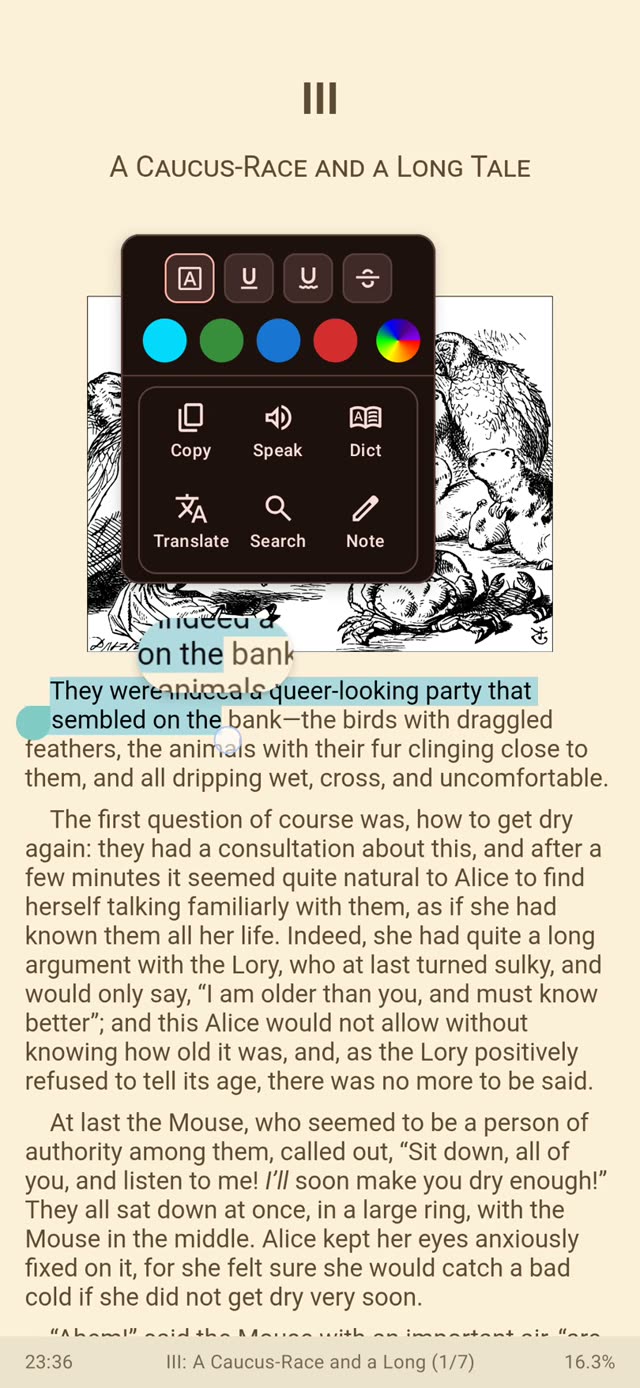
Select text to highlight, translate, search or speak it. Notes are stored with the document and reappear on the passage, not in a separate list.
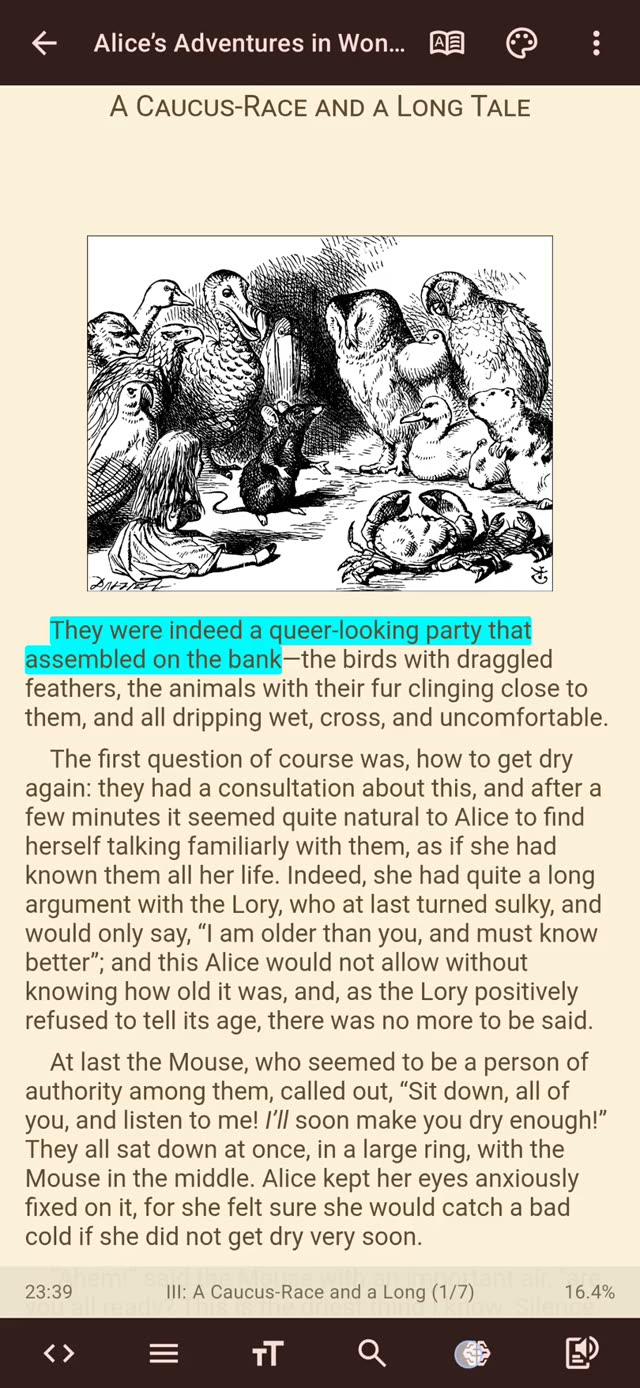
Paginated reading, vertical scroll, and musician mode. Progress, page count, bookmarks and shelves per title.
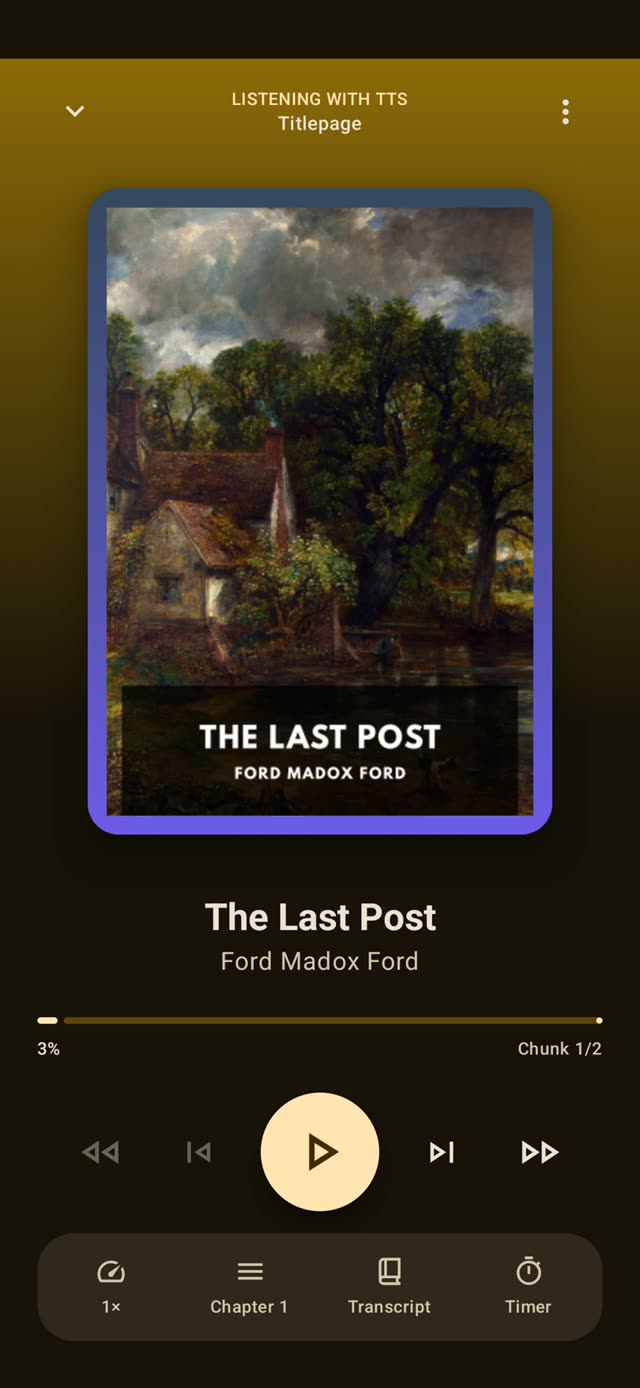
Chapter playlists, rate control and a running transcript. The reader speaks the document it is displaying.
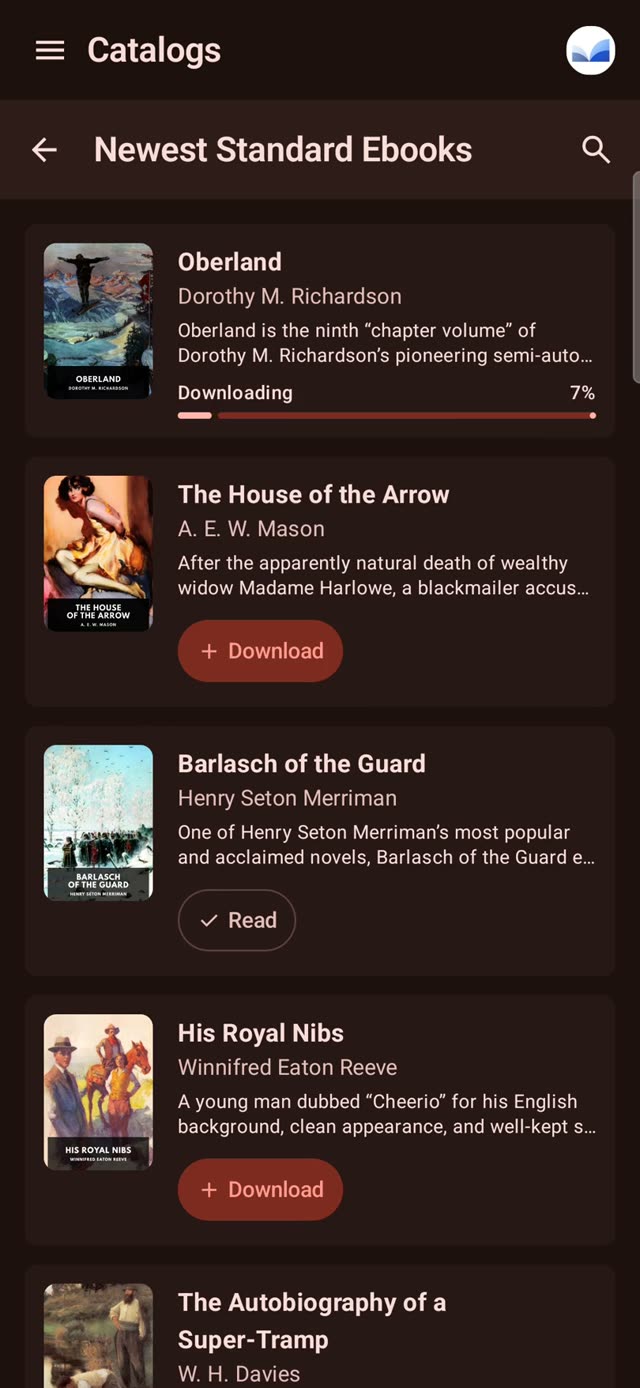
Add an OPDS feed, or point at a folder on the device, and it behaves like any other shelf. Project Gutenberg and Standard Ebooks are preconfigured.
Eight app themes and separate reader themes. Per-theme text brightness for light and dark, and three contrast levels.
Custom local fonts, type scale, spacing, margins and justification, tuned per book.
Local folder sync, shelves, bookmarks, progress tracking, and file management.
App language selection, and translation of selected text on demand.
One Kotlin Multiplatform core across Android, iOS, Windows and Linux.
AGPL-3.0-only. The OSS editions are the same application.
The reading experience is the same across editions. What differs is the distribution channel, network access, and whether proprietary online services are included.
v1.0.58-oss · 9 Oct 2026
Windows (Standard)
Windows (OSS)
Arch Linux (Standard)
Debian / Ubuntu (Standard)
Linux (Standard)
Fedora / RHEL (Standard)
Debian / Ubuntu (OSS)
Linux (OSS)
Fedora / RHEL (OSS)
Arch Linux (OSS)
Arch User Repository
Arch User Repository
SHA-256 checksums
No. Importing a file and reading it do not require an account. Cloud sync and the online AI and TTS features do.
Distribution channel, network access, and whether proprietary online services are included. The reading experience is the same.
Network permissions. No requests leave the device, and cloud sync, online TTS and AI features are absent.
PDF, EPUB, MOBI/AZW3, FB2, DOCX, ODT/FODT, TXT, Markdown, HTML, and comic archives including CBZ, CBR and CB7.
Google Play and the App Store for the standard release. The OSS and offline builds are on GitHub Releases, F-Droid and Obtainium.
Bug reports and feature requests go to GitHub. Translations are managed on the project’s Weblate instance.